If your EC (Electrical Conductivity) or PPM (Parts Per Million) readings seem low, unstable, or slow to respond, your conductivity probe may need cleaning and calibration.
Over time, salts, nutrients, and organic oils can naturally build up on the probe, which can block the sensors. When the probe sensors are blocked, the probe will not make contact with the solution. This can lead to inaccurate readings, which can impact nutrient strength, nutrient uptake, and overall plant health and yield.
The accuracy of your Bluelab product depends on the condition your probe is in. That's why regular probe care is essential for reliable measurements and maximising the lifespan of your Bluelab Conductivity probe. Shop Care Kits for everything you need to clean and calibrate.

How to clean your Bluelab Conductivity Probe
Cleaning your conductivity probe once a month helps ensure consistent, accurate readings you can trust. Follow this simple guide for quick, easy cleaning that takes only a few minutes.
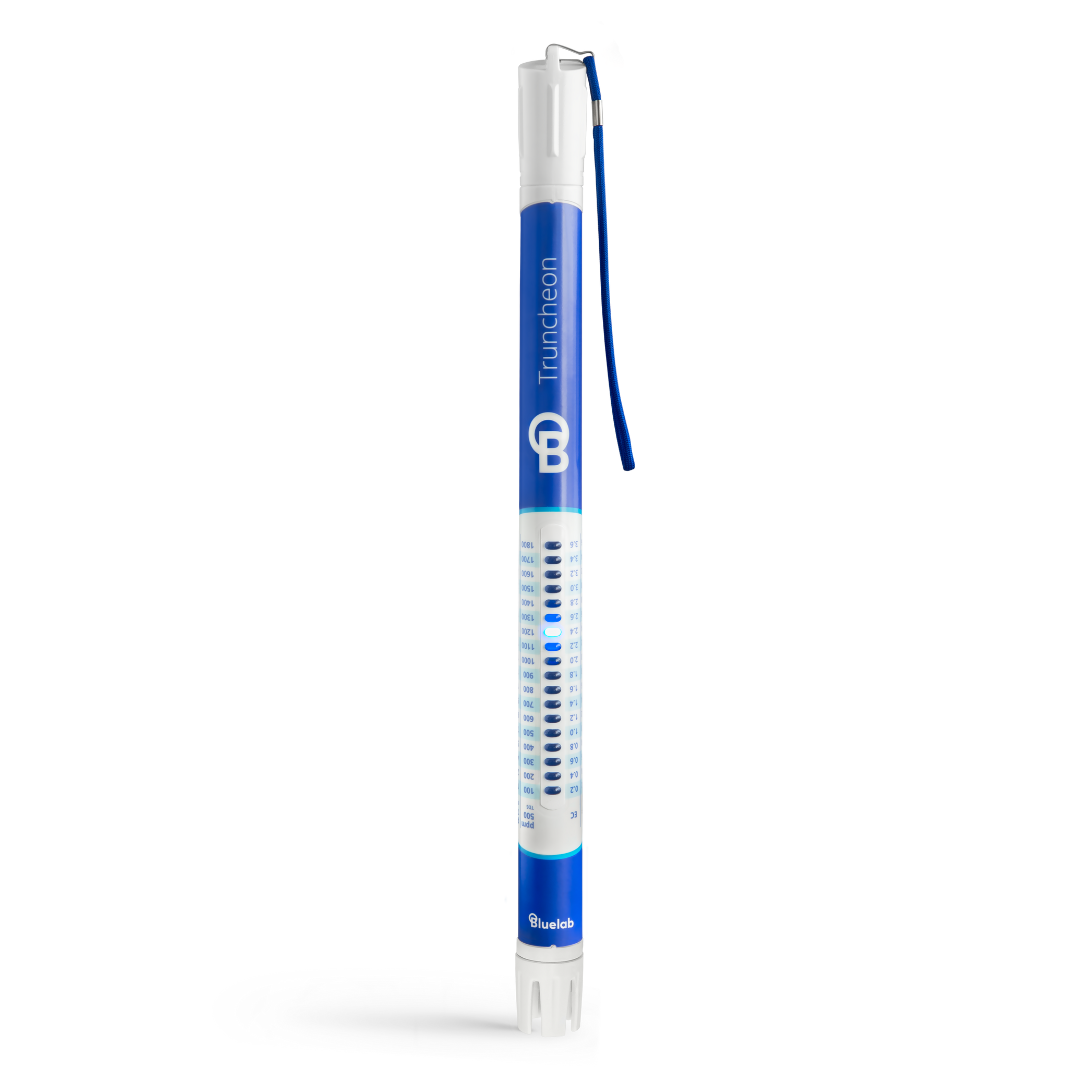
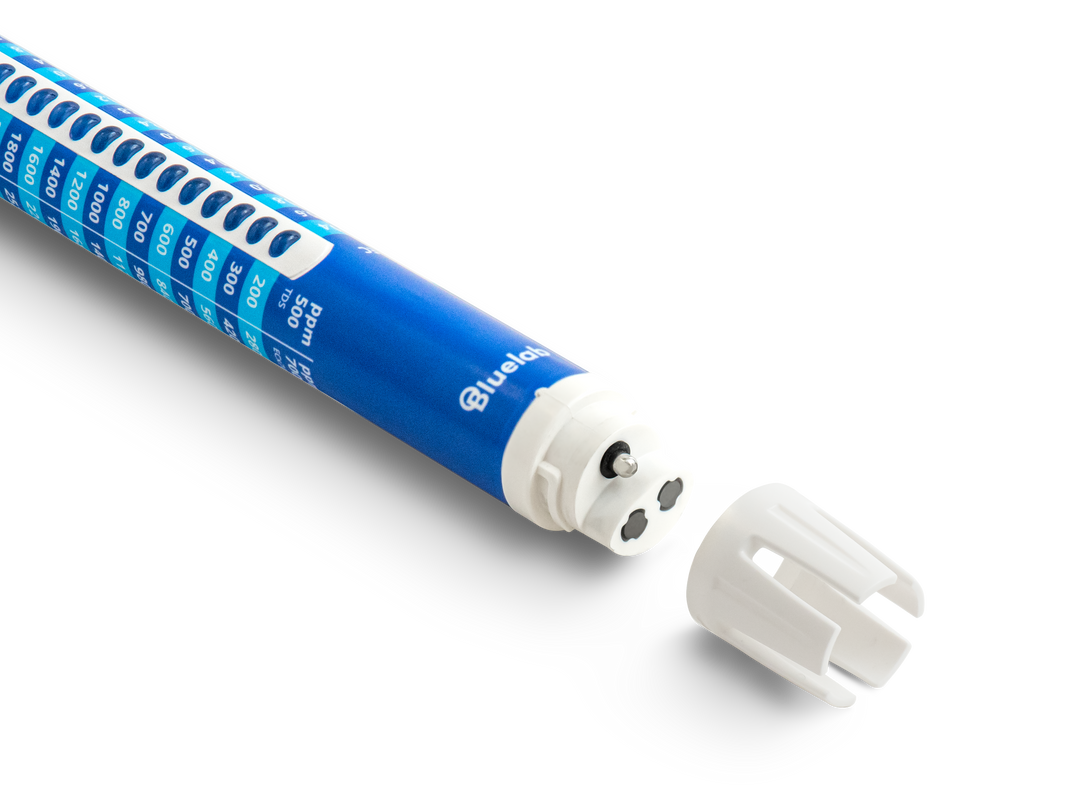
First, remove the shroud. For the Bluelab Truncheon, twist the shroud 90 degrees and remove it.
For all other Bluelab Conductivity Probes, warm the shroud in your hand for a few seconds to make removal easier. Then, hold the probe body firmly and gently pull the shroud off.
Next, clean the probe's face. Place one or two drops of Bluelab Conductivity Cleaner directly onto the probe face. Then, using Bluelab Chamois, rub the probe face firmly to remove residue and buildup.
After this, rinse the probe under fresh running tap water while gently scrubbing the probe face with the Bluelab Chamois again. Make sure all traces of the cleaner have been removed.
After rinsing the cleaning solution off the probe, the water should have formed a smooth film on its face. If you see beads of water, then repeat the previous steps until the water forms an even film.
Carefully refit the shroud, avoiding contact with the probe face.

Next, test the probe in Bluelab 2.77 EC Conductivity Standard Solution to ensure cleaning was accurate. Place the probe in the solution and wait for the reading to stabilise.
If the reading is not within ±0.1 EC (±1 CF) of 2.8 EC, repeat the cleaning procedure until the reading falls within range.
Note: The shroud must be left on the probe when taking readings.
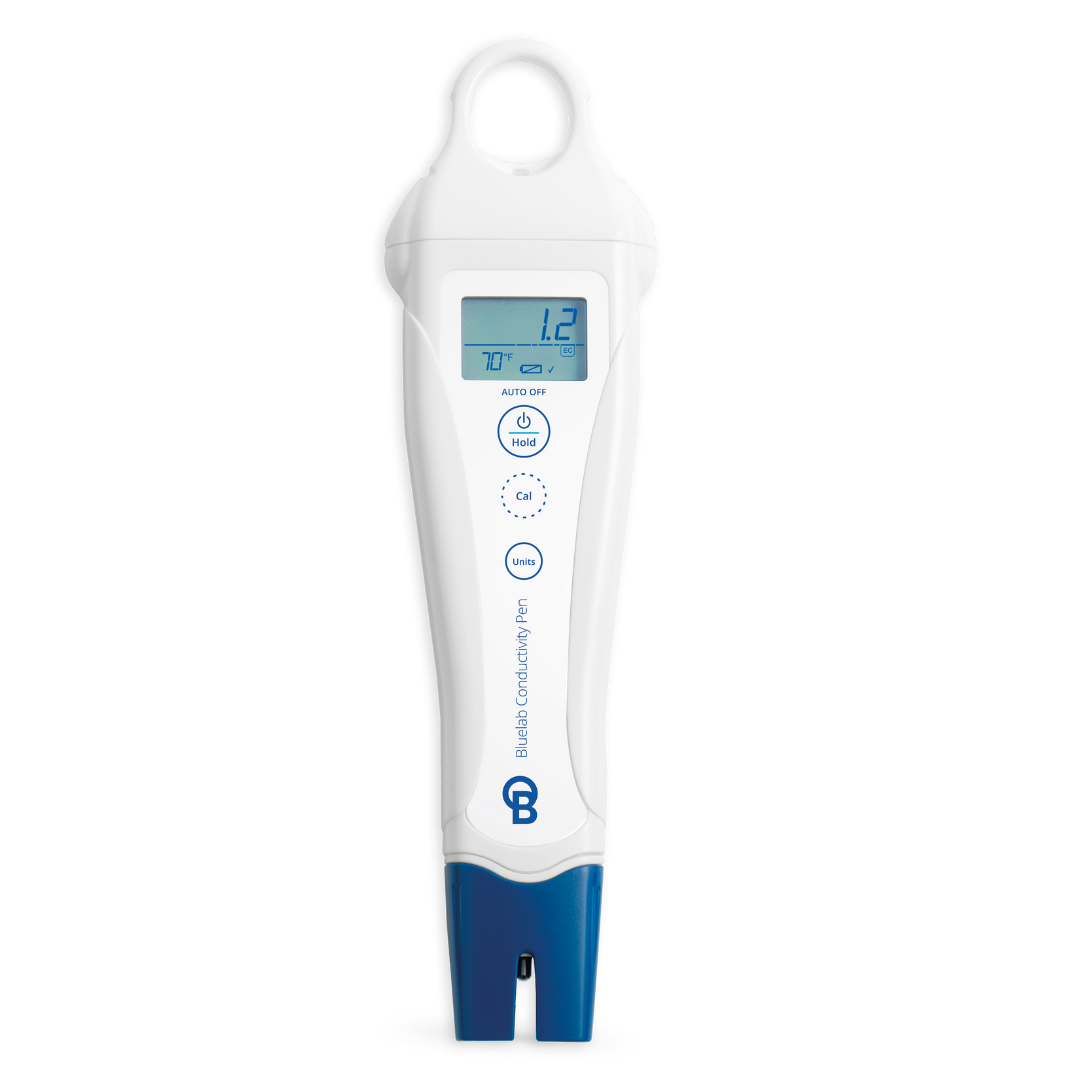
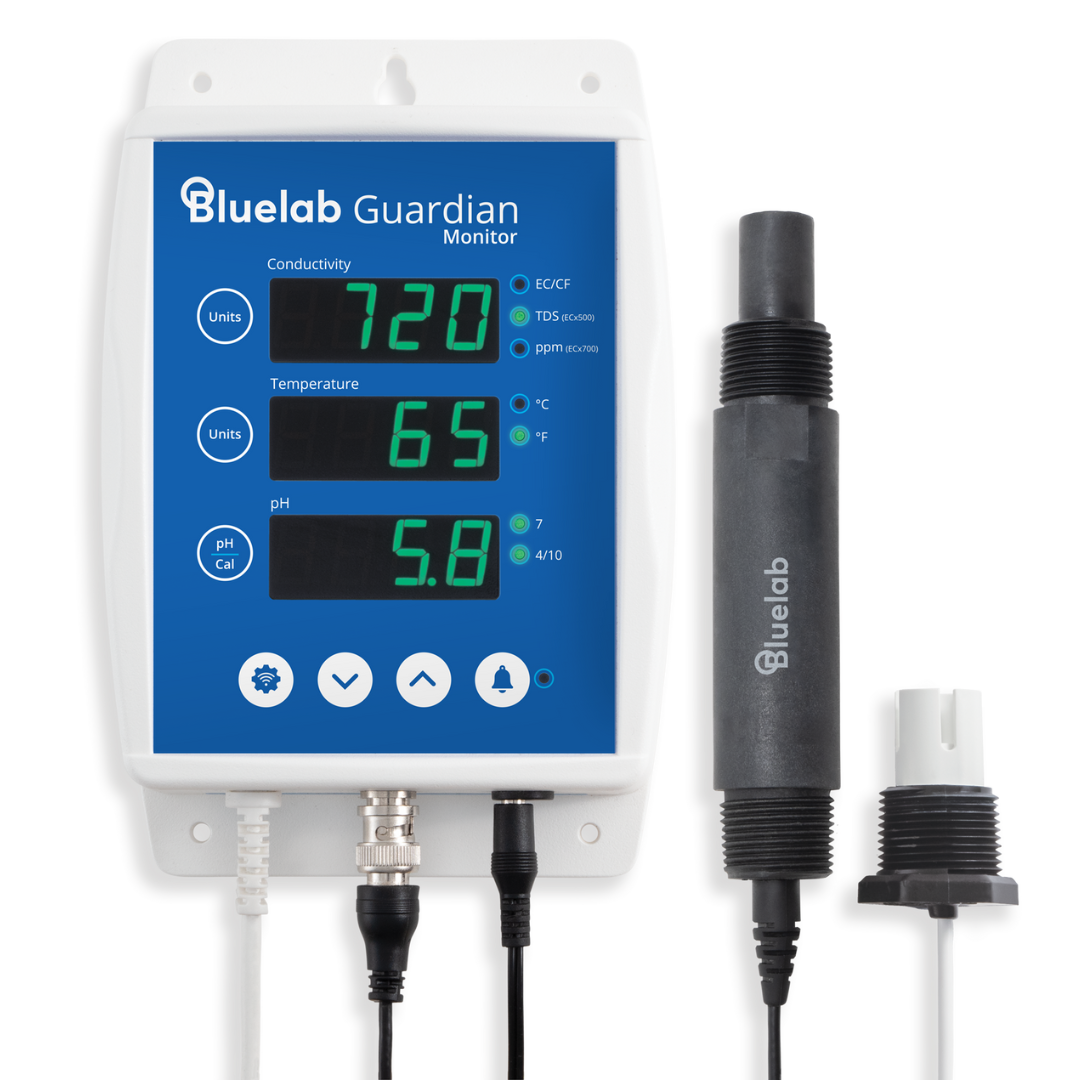
This cleaning guide applies to Bluelab Truncheon Nutrient Meter, Bluelab Commercial Truncheon Nutrient Meter, Bluelab Combo Meter, Bluelab Guardian Monitor, Bluelab Pro Controller.

Calibrating your Bluelab Conductivity Pen
The Bluelab Conductivity Pen comes factory-calibrated, so there is no need to calibrate it for the first use when it is fresh out of the box. Calibration is not required for normal use, but it can help troubleshoot inaccurate readings.
If your Conductivity Pen still won’t calibrate properly, replace the calibration solution and confirm the shroud is correctly fitted.
Follow these calibration steps:
Make sure the pen is clean before calibrating, as shown above, and the shroud is fitted correctly.
Rinse the probe in fresh water, then place it into fresh 2.77 EC Conductivity Standard Solution.
Press and hold the CAL button for three seconds until ‘CAL’ appears. Then release the button. After this, ‘CAL P’ should be displayed on the screen. If ‘Err’ is displayed, check if the probe is clean and that the calibration solution is fresh and uncontaminated.
Finally, a check mark will appear on the screen to indicate successful calibration. This check mark will disappear after 30 days, indicating it is time to recalibrate.
Why do I need to calibrate my Bluelab Conductivity Pen?
Calibration ensures your Bluelab Conductivity Pen is measuring EC and PPM accurately. Small measurement drift can occur over time due to regular use, residue buildup, and general wear.
Regular calibration allows the pen to reset and check its readings against a known reference value, so you can confirm that the readings you see match the actual conductivity of your solution. Without calibration, even a clean probe can slowly drift away from true values, leading to incorrect nutrient strength readings and adjustments.
Calibrating your Conductivity Pen helps ensure consistency, and accuracy. This means you can measure and adjust your nutrient solution with confidence.

When is calibration required for my Conductivity Probe?
Your Conductivity Pen comes factory-calibrated, so it is recommended as a troubleshooting step. Calibration is recommended when:
- Readings are different from what you expected.
- The probe has been cleaned, and you want to ensure accuracy.
- The pen has been dropped or handled roughly. You have inconsistent or fluctuating readings.
- The reading in 2.77 EC standard solution is not within ±0.1 EC (±1 CF) after cleaning.
Note: Always clean the probe before calibrating, and use fresh, uncontaminated 2.77 EC Conductivity Standard Solution for best results.
Final care reminders
- Clean your Conductivity Probe monthly for best accuracy.
- Always test cleaning effectiveness using 2.77 EC standard solution.
- Handle probes carefully and avoid contaminating the sensor surface.
- Don’t touch the probe sensors with your fingers. Natural oils can contaminate the probe and affect readings.
- Avoid immersing the probe in oils, proteins, or solutions containing suspended solids, as these can coat the sensors and affect performance.
Related products